

AiPrise
9 min read
January 16, 2026
8 Practical Tips for Preventing Digital Fraud
Key Takeaways

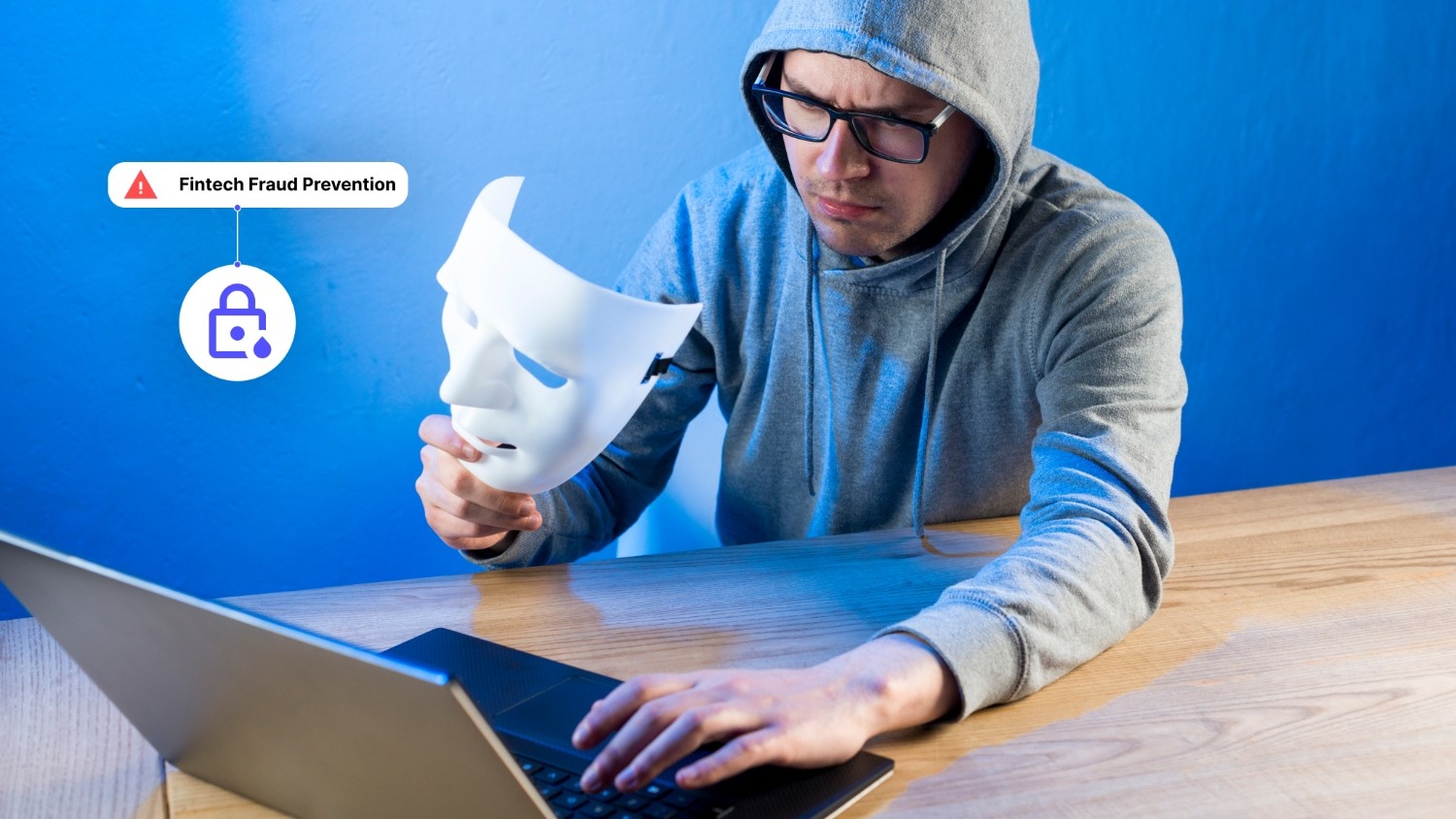
In 2024, the Federal Trade Commission (FTC) reported consumer losses of $12.5 billion to fraud, a sharp 25% jump from the previous year. And that’s only what gets reported; the real impact is widely believed to be far higher.
As scammers increasingly use automation, AI, and social engineering, digital fraud blocking has become essential, not optional. The consequences extend beyond financial loss to identity theft, credit damage, regulatory exposure, and eroded trust.
This guide outlines practical, proactive steps to block digital fraud before it escalates.
Key Takeaways
- Always slow down when you receive an urgent message. Scammers rely on your panic to succeed.
- Use a combination of MFA, strong passwords, and device security to block digital fraud.
- Be aware that voices and videos can now be faked. Use family code words for verification.
- Check your accounts weekly to catch small unauthorized charges before they grow.
- Lean on password managers and transaction alerts to do the heavy lifting for you.
8 Tips for Preventing Digital Fraud Online
.png)
Guarding your digital identity means being alert to the tactics used by modern scammers. These expert-recommended steps help you reduce risk and ensure your sensitive data stays out of the wrong hands.
1. Slow Down and Spot the Red Flags of Scams
Scammers thrive on speed. They want you to act before you think. Most digital fraud attempts use social engineering to trick you. These tactics play on your emotions, like fear or excitement.
You might get a text about a "failed delivery" or an "unauthorized bank transfer." These messages always demand immediate action.
- Watch for generic greetings like "Dear Customer."
- Be wary of messages with poor grammar or strange formatting.
- Look out for high-pressure language that creates a sense of panic.
- Verify the sender's email address by clicking on their display name.
- Avoid clicking on links that come from unknown phone numbers.
Recognizing these red flags is the first step in digital fraud blocking. If a message feels urgent, take a breath. Call the company directly using a number from their official website. Never use the contact info provided in the suspicious message itself.
2. Lock Down Your Personal and Financial Information
Your personal data is the currency of the dark web. Fraudsters collect bits of info to build a profile of you. This process often starts with physical documents. Even in a digital world, paper trails matter. Shredding old bills and bank statements is a simple way to stop identity theft.
- Keep your Social Security card in a secure place at home.
- Never carry your SSN card in your wallet.
- Store digital copies of IDs in encrypted folders.
- Use a cross-cut shredder for any document with personal details.
- Be careful about what you share on public social media profiles.
Documents Needed for Verification
When you sign up for financial services, you will need specific IDs. Modern platforms use these to confirm you are who you say you are. In the US, you typically need one or more of these documents:
- A valid US Driver's License or State ID card.
- A US Passport or Passport Card.
- A Social Security Card (often needed for tax verification).
- A Permanent Resident Card (Form I-551).
- A recent utility bill or bank statement to prove your address.
Also Read: Steps to Know Your Customer (KYC) Compliance and Reducing Fraud
3. Turn on Multi-Factor Authentication (MFA) Everywhere You Can
Passwords alone are no longer enough. Multi-factor authentication adds an extra layer of defense. Even if a thief gets your password, they still cannot access your account. MFA requires at least two pieces of evidence to log in. This usually involves something you know (your password) and something you have (your phone).
- Prioritize app-based authenticators over SMS codes.
- Enable MFA on your email, banking, and social media accounts.
- Store your backup recovery codes in a safe, offline location.
- Use biometric features like face ID or fingerprints on your mobile devices.
- Avoid sharing your MFA codes with anyone, even someone claiming to be "support."
App-based MFA is more secure than text messages. Scammers can use "SIM swapping" to intercept your SMS codes. Using an app ensures the code stays on your physical device. This is a critical part of digital fraud blocking for high-value accounts.
4. Use Strong, Unique Passwords and a Password Manager
Reusing passwords is a major security risk. If a hacker steals your login for one site, they will try it everywhere else. This is known as credential stuffing. To block this type of fraud, every account needs a unique key. A strong password should be at least 15 characters long. It should include a mix of uppercase letters, lowercase letters, symbols, and numbers.
- Use a reputable password manager to store your credentials.
- Avoid using birthdates or pet names in your passwords.
- Change your passwords immediately if you hear about a data breach.
- Use passphrases instead of single words (e.g., "TheBlueDogJumpedOver99!").
- Update your password manager with a strong master password.
Also read: Performing KYB Verification and Risk Assessment.

5. Treat Links, Attachments, and Login Pages as Suspicious by Default
Phishing is one of the most common ways people lose money online. Scammers create fake websites that look exactly like your bank or Amazon. They send a link and ask you to "log in" to fix an issue. Once you enter your details, the thief has your credentials.
- Hover over any link to see the actual web address before clicking.
- Manually type the website URL into your browser instead of clicking links.
- Check for the "https://" and a padlock icon in the address bar.
- Never download attachments from emails you did not expect.
- Be cautious of shortened URLs from services like Bitly or TinyURL.
If you receive an attachment you weren't expecting, do not open it. Even a simple PDF can contain malware that records your keystrokes. This malware can then send your passwords directly to the attacker.
6. Secure Your Devices and Networks
Your hardware is the gatekeeper of your digital life. If your phone or computer is compromised, your accounts are at risk. Keeping your software up to date is a simple but effective defense. These updates often include "patches" for security holes that hackers use.
- Enable automatic updates for your operating system and apps.
- Install reputable antivirus and anti-malware software.
- Secure your home Wi-Fi with a strong password and WPA3 encryption.
- Avoid using public Wi-Fi for banking or shopping.
- Use a Virtual Private Network (VPN) when you must use public networks.
Public Wi-Fi networks are often unencrypted. This allows "Man-in-the-Middle" attacks where a hacker intercepts the data moving between your device and the internet. A VPN creates an encrypted tunnel for your data. This makes it unreadable to anyone else on the network.
7. Stay Alert to AI-Driven Scams and Deepfakes
Artificial Intelligence has changed the fraud world. Scammers now use AI to create "deepfakes." They can clone a person's voice with just a few seconds of audio. You might get a call from a "family member" in trouble. The voice sounds exactly like them, but it is actually a machine.
- Create a "family safe word" to verify identities during emergencies.
- Be skeptical of video calls that have glitches or unnatural movements.
- Verify urgent requests by calling the person back on a trusted number.
- Report deepfake content to the platform where you found it.
- Stay informed about new AI scam trends through news alerts.
AI can also be used to write perfect phishing emails. These messages no longer have the typos and bad grammar of the past. They look professional and sound natural. This makes independent verification more important than ever.
8. Be Cautious When Shopping and Paying Online
E-commerce is a primary target for fraudsters. Fake online stores often advertise high-end products at deep discounts. If a deal looks too good to be true, it almost certainly is. These sites are often designed to steal your credit card info.
- Only shop on websites that you know and trust.
- Use credit cards instead of debit cards for online purchases.
- Check for customer reviews on independent sites like Trustpilot.
- Avoid paying via wire transfer, gift cards, or cryptocurrency.
- Review your order confirmation emails for the correct total.
Credit cards offer better fraud protection than debit cards. If someone steals your credit card info, you are not out of pocket while the bank investigates. With a debit card, the money is gone from your account instantly. It can take weeks to get it back.
Suggested read: Basics of Payment Fraud Prevention for Businesses
Know How to Respond and Where to Report Fraud
If you fall victim to fraud, speed is your best friend. The faster you act, the more likely you are to recover your funds. Do not let embarrassment stop you from taking action.
- Contact your bank or credit card company to freeze your accounts.
- Change the passwords for all your major accounts.
- Report the incident to the FTC at ReportFraud.ftc.gov.
- File a report with your local police department.
Keep a detailed record of all your communications. Note down who you spoke to and when. This documentation is vital if you need to dispute charges or prove that your identity was stolen.
The Role of Modern Technology in Fraud Prevention
For businesses, stopping fraud requires more than just manual checks. It requires a stack of tools that work together. Core services like KYC and KYB are the first line of defense. These processes verify that customers and business partners are legitimate. AML tools then monitor transactions to find signs of money laundering.
Fraud risk management uses AI to analyze patterns. It looks at how a person types, where they are located, and what device they are using. If a login looks unusual, the system can block it instantly. Automation allows businesses to scale these checks without slowing down the user experience.
Also read: How to Detect Financial Services Fraud: A Practical Guide for Businesses
Block Digital Fraud at Scale With AiPrise
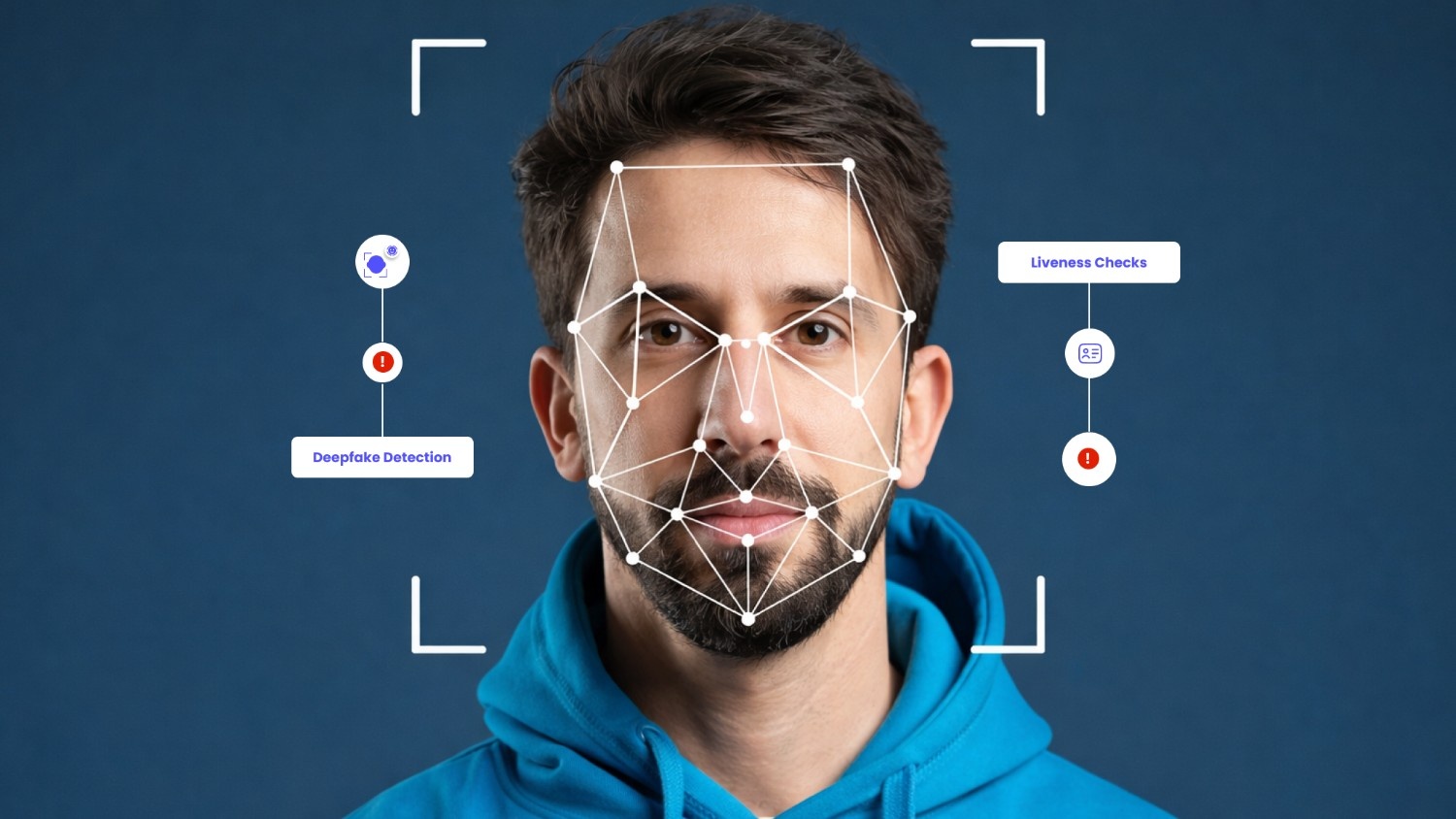
AiPrise offers a comprehensive platform for global identity and credibility verification. Our tools provide advanced KYC and KYB solutions that use AI and machine learning. This technology helps businesses verify users across the world with high accuracy.
We provide AML tools to detect financial crimes and keep your organization compliant with changing global regulations.
Our platform streamlines the verification process, reducing the risk of manual errors. By automating fraud risk management, we help you improve operational efficiency while blocking bad actors.
Whether you need to verify a single ID or validate a complex business entity, our solutions provide the robust protection needed in today's digital world.
Are you ready to strengthen your defenses against global fraud? Book A Demo to see how our automated verification solutions can protect your business.
Frequently Asked Questions
1. What is digital fraud blocking?
Digital fraud blocking is the use of security measures and technology to prevent unauthorized access to data and financial accounts. This includes using MFA, strong passwords, and AI-powered monitoring systems.
2. Can a scammer steal my money through a text message?
A text message itself cannot steal your money. However, it can contain a link to a fake website that steals your login info or prompts you to download malware. Never click on links in unsolicited texts.
3. Why is AI-powered verification better than manual checks?
AI can analyze thousands of data points in milliseconds. It spots patterns that humans might miss, such as unusual typing speeds or hidden IP addresses. This makes it much faster and more accurate for businesses.
4. Is my Social Security Number enough to open a bank account?
While an SSN is required, most US banks also need a government-issued photo ID and proof of address. This multi-layered approach is part of the KYC process designed to prevent identity theft.
5. What should I do if I click on a suspicious link?
Immediately disconnect your device from the internet. Run a full scan with your antivirus software. Use a different device to change your important passwords and monitor your bank accounts for any unusual activity.
6. Do I really need to use a password manager?
Yes. Password managers are highly recommended. They allow you to use complex, unique passwords for every site without needing to memorize them. This significantly reduces the risk of account takeovers.
You might want to read these...







.png)

.png)






.png)
.png)
.png)




AiPrise’s data coverage and AI agents were the deciding factors for us. They’ve made our onboarding 80% faster. It is also a very intuitive platform.

Head of Operations



See your full compliance picture in one place
Use AI agents and global data to review businesses and users faster and more accurately
